Your Floor Plan, Reimagined.
Transform 2D floor plans into photorealistic interiors so agencies pitch faster and align clients earlier.
Built for interior design studios and agencies
Upload your floor plan
Supports JPG, PNG, formats up to 5MB
Sign in with Google to continue
Maximum file size 5 MB.
Design teams lose time between plans and visuals
mouffy ai closes that gap. Upload a plan, generate interiors in minutes, and keep every version organized.
Saves hours
Skip manual rendering, outsourcing, and editing.
Looks premium
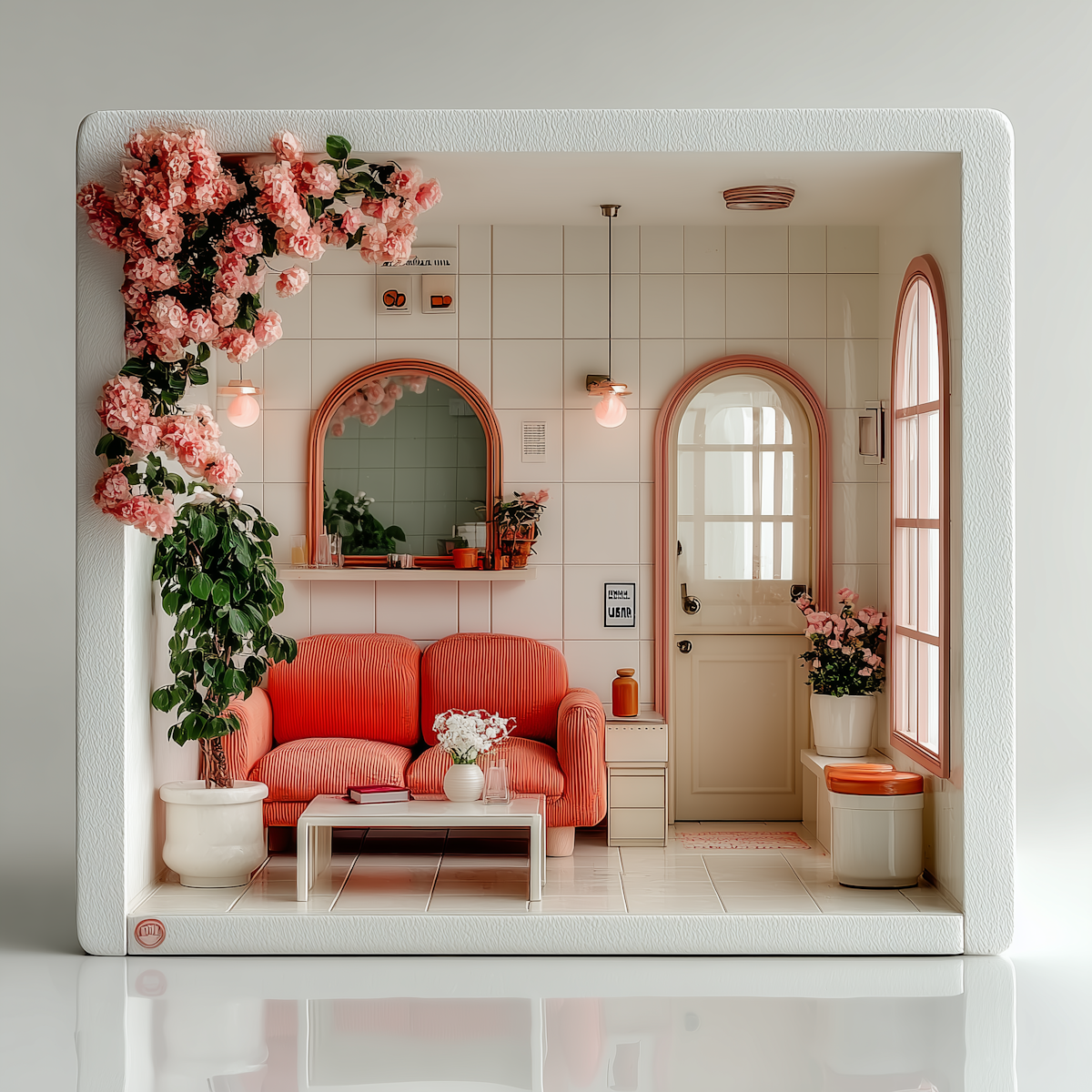
Styled interiors, realistic lighting, and clear depth.
0+
Projects reviewed
Share for feedback. Collect comments, track changes, and iterate together.
0X
Faster approvals
Share for feedback. Collect comments, track changes, and iterate together.
Use Mouffy for every interior project
Generate interior visuals for homes, commercial, retail, and more.
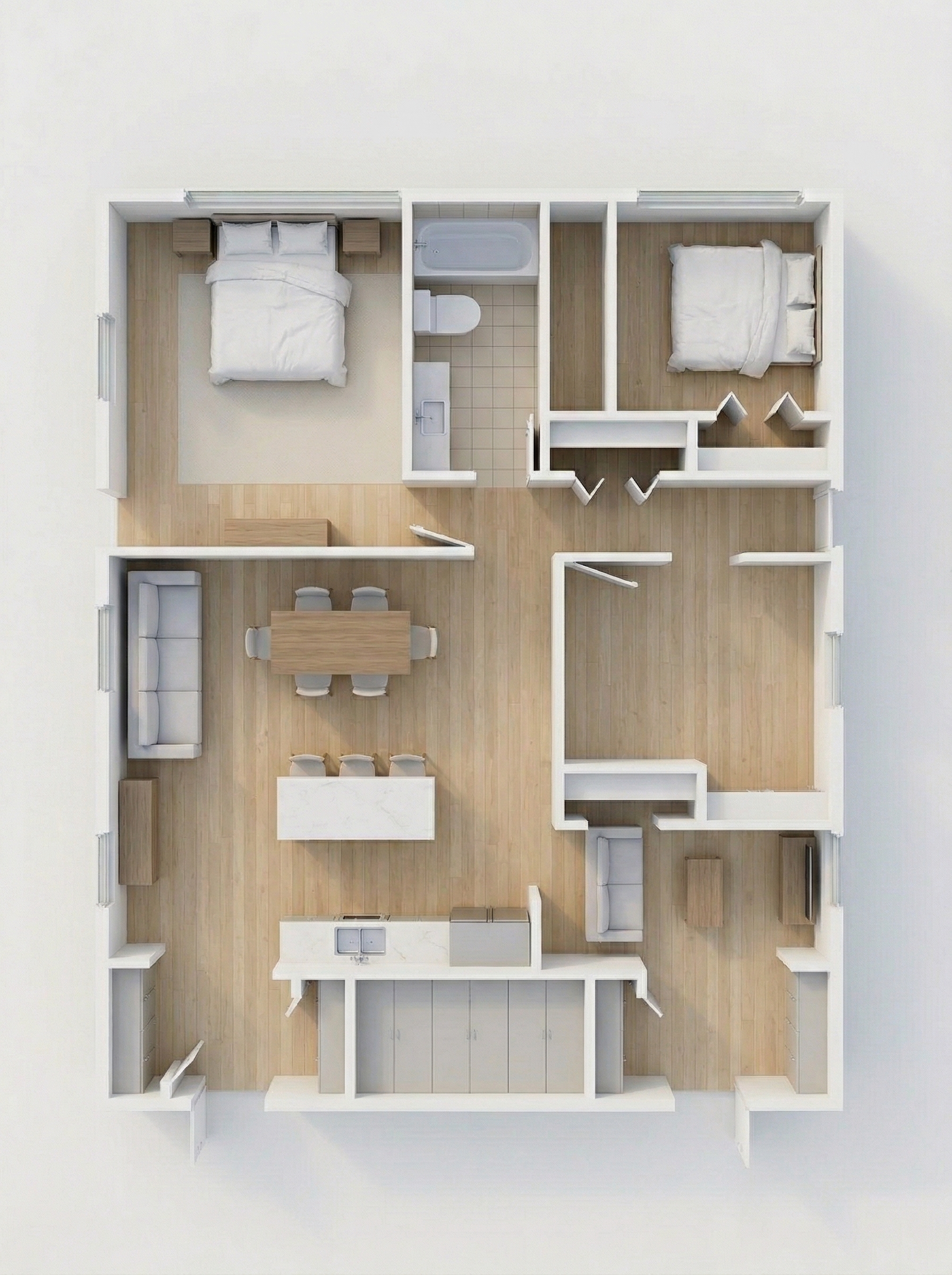
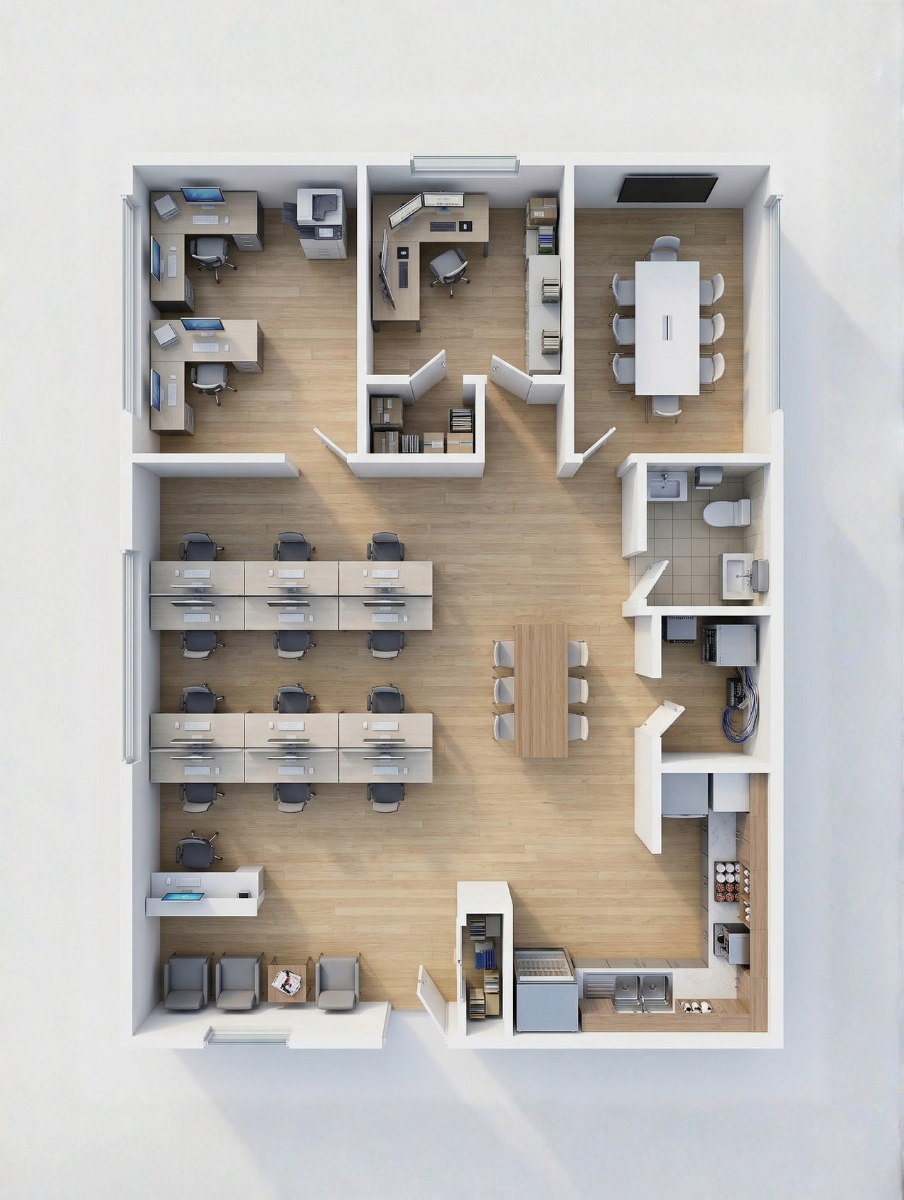
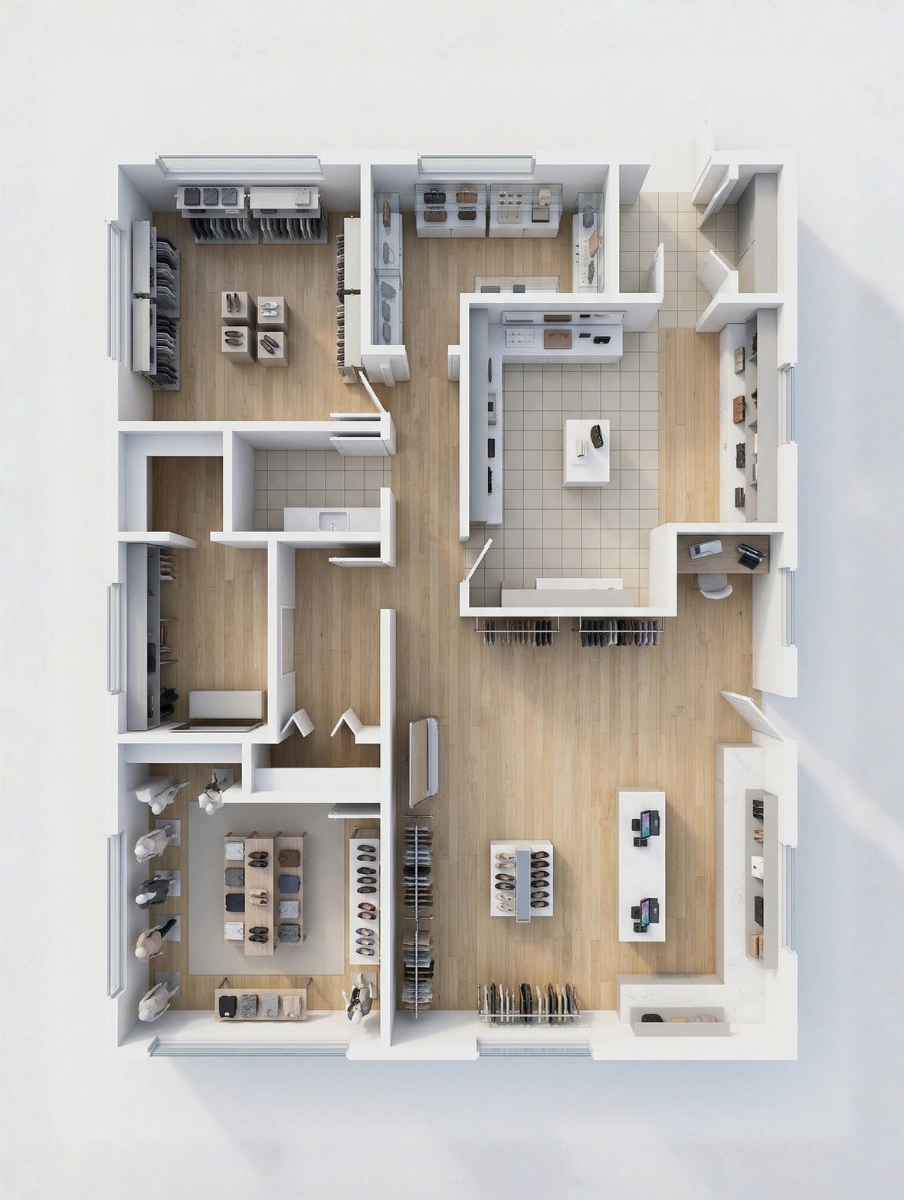
Everything you need to visualize interiors
A set of AI features to generate, refine, organize, and export interior visuals with ease.
Save collections
Organize your interior visuals into themed sets and keep everything easy to find for future projects.
Export renders
Export your high-resolution interior renders for presentations and keep everything client-ready for proposals
Downloads
Download your polished interior visualizations for decks and keep everything organized for client delivery.
Smart variations
Generate smart interior variations from one floor plan and keep everything organized for client choices.
Material controls
Adjust lighting, materials, and layouts exactly your project needs and keep everything perfectly styled.
Design reviews
Share interior design reviews with teams and keep everything organized for collaborative feedback
How MOUFFY works
Go from floor plan to interior visualization in three simple steps.
Upload your 2D floor plan
Import a 2D layout from your design tool or PDF into mouffy ai.
Generate interior visualization
Use AI to create photorealistic room visuals based on your layout and style.
Review, compare, export
Compare options side‑by‑side, export images, and present them to clients.
Flexible plans for every creator
Start free. Upgrade when you're ready to create more.
Free
Ideal for agency owners who want to experience the upload, render, compare, and export flow before moving forward.
$0
- 5 AI generations
- No Access to presets
- Try the upload-to-render experience
- Saved project history and exports
Enterprise Plan
We deploy Mouffy AI for your agency for a fixed implementation fee. Your team pays for API usage directly under your own billing.
Custom
- Fixed-price implementation
- Access to 60+ Presets
- Your own API billing
- Branding and handoff support

Curious about something?
Simple explanations to help you get the most out of your 3D generations.
The free plan lets you sign in with Google, upload floor plans, and generate a limited number of interior visualizations each day so you can test the core workflow with your team.
On Enterprise deployments, your agency connects its own API billing, so you stay in control of provider choice, limits, and overall spend.
Yes, Enterprise plans use a private deployment configured for your agency, with dedicated access and a branded workspace.
Most Enterprise deployments are configured in a short onboarding window, depending on your branding, regions, and workflow requirements.
Yes, Enterprise deployments can include your logo, colors, and domain options so your team and clients experience Roomify as part of your agency stack.
Mouffy accepts floor plans from any design software via PDF, image, or direct import so your current workflow stays unchanged while adding instant visualizations.